Ramix TV Setup Guide 2026: Install Ramix IPTV on Firestick, Smart TV & Mobile
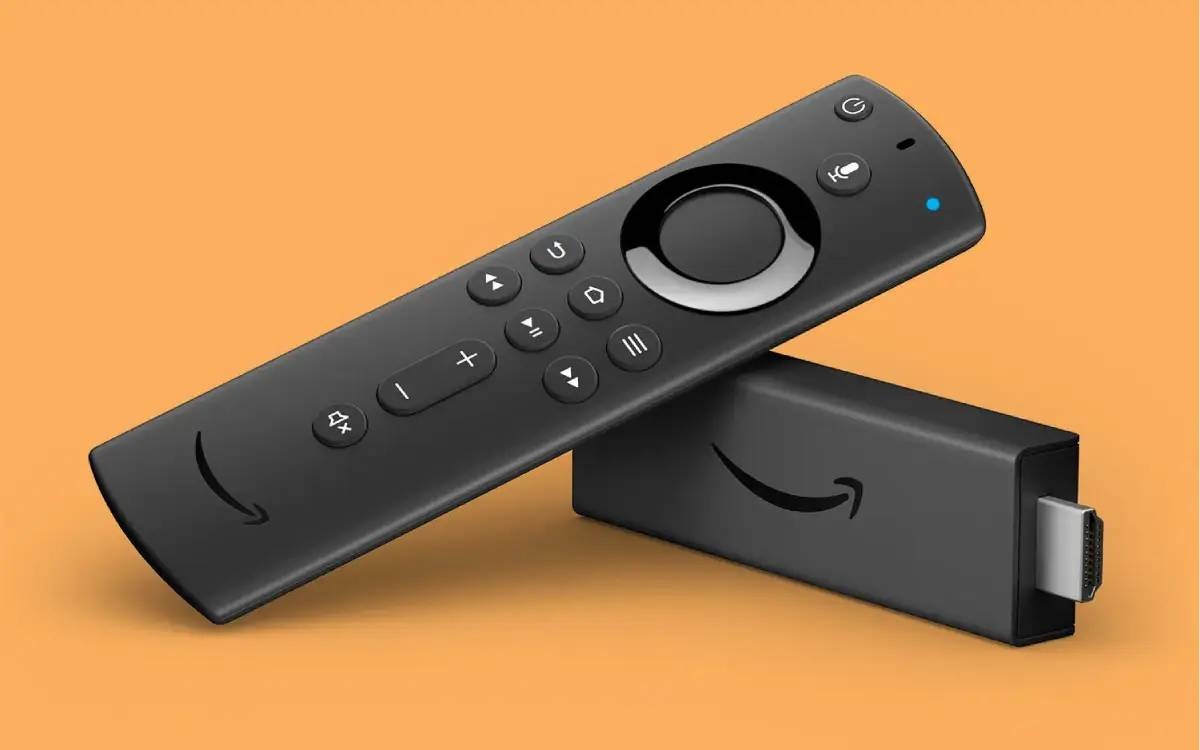
Setting up Ramix TV is simple on almost any streaming device. Whether you use a Firestick, Android TV box, Smart TV, smartphone, or tablet, the process usually takes less than 10 minutes.
This guide covers the most common setup methods used by Ramix TV customers in 2026.
What You Need Before Starting
Before installation, make sure you have:
- Active Ramix TV subscription
- Server URL
- Username
- Password
- Stable internet connection
- Compatible IPTV application
Recommended IPTV Apps
The following applications work well with Ramix TV:
| Application | Best For |
|---|---|
| TiviMate | Android TV & Firestick |
| IPTV Smarters Pro | Beginners |
| XCIPTV | Advanced users |
| IBO Player | Smart TVs |
Firestick Setup Guide
Step 1: Install Downloader
- Open the Amazon App Store.
- Search for Downloader.
- Install the application.
Step 2: Install IPTV App
- Launch Downloader.
- Download IPTV Smarters Pro.
- Complete installation.
Step 3: Enter Ramix TV Credentials
- Open IPTV Smarters Pro.
- Select Xtream Codes API Login.
- Enter your server URL.
- Enter your username.
- Enter your password.
- Save and connect.
Android TV Setup
Android TV users can install IPTV apps directly from the Google Play Store.
Recommended Setup
- Install TiviMate.
- Select Add Playlist.
- Choose Xtream Codes API.
- Enter your Ramix TV credentials.
- Wait for channels to load.
Samsung and LG Smart TV Setup
Many Smart TV users choose IBO Player.
Setup Process
- Install IBO Player from your TV app store.
- Launch the application.
- Add your IPTV account information.
- Restart the application.
- Begin streaming.
iPhone and iPad Setup
Recommended Applications
- IPTV Smarters Pro
- GSE Smart IPTV
Installation Steps
- Download the application from the App Store.
- Open the application.
- Select Xtream Codes login.
- Enter your Ramix TV credentials.
- Save and connect.
Android Mobile Setup
Android users can install IPTV Smarters Pro directly from Google Play.
The setup process is identical:
- Install app
- Enter credentials
- Load channels
- Start streaming
Troubleshooting Tips
If channels are not loading:
- Verify login credentials
- Restart your router
- Restart the IPTV application
- Check internet speed
- Update the IPTV app
Recommended Internet Speed
| Quality | Recommended Speed |
|---|---|
| HD | 15 Mbps |
| 4K | 25 Mbps |
| 8K | 50 Mbps+ |
Best Setup for Performance
For the smoothest experience:
- Use Ethernet instead of Wi-Fi
- Keep IPTV applications updated
- Use modern streaming devices
- Restart devices regularly
Final Thoughts
Ramix TV supports a wide variety of devices, making setup easy regardless of your preferred platform. Firestick, Android TV, and Smart TVs remain the most popular options due to their simplicity and excellent streaming performance.
With the correct IPTV application and your subscription credentials, most users can complete setup and begin watching within minutes.
Start your Ramix IPTV trial for $2.99 and experience the future of television today.